

easi.run
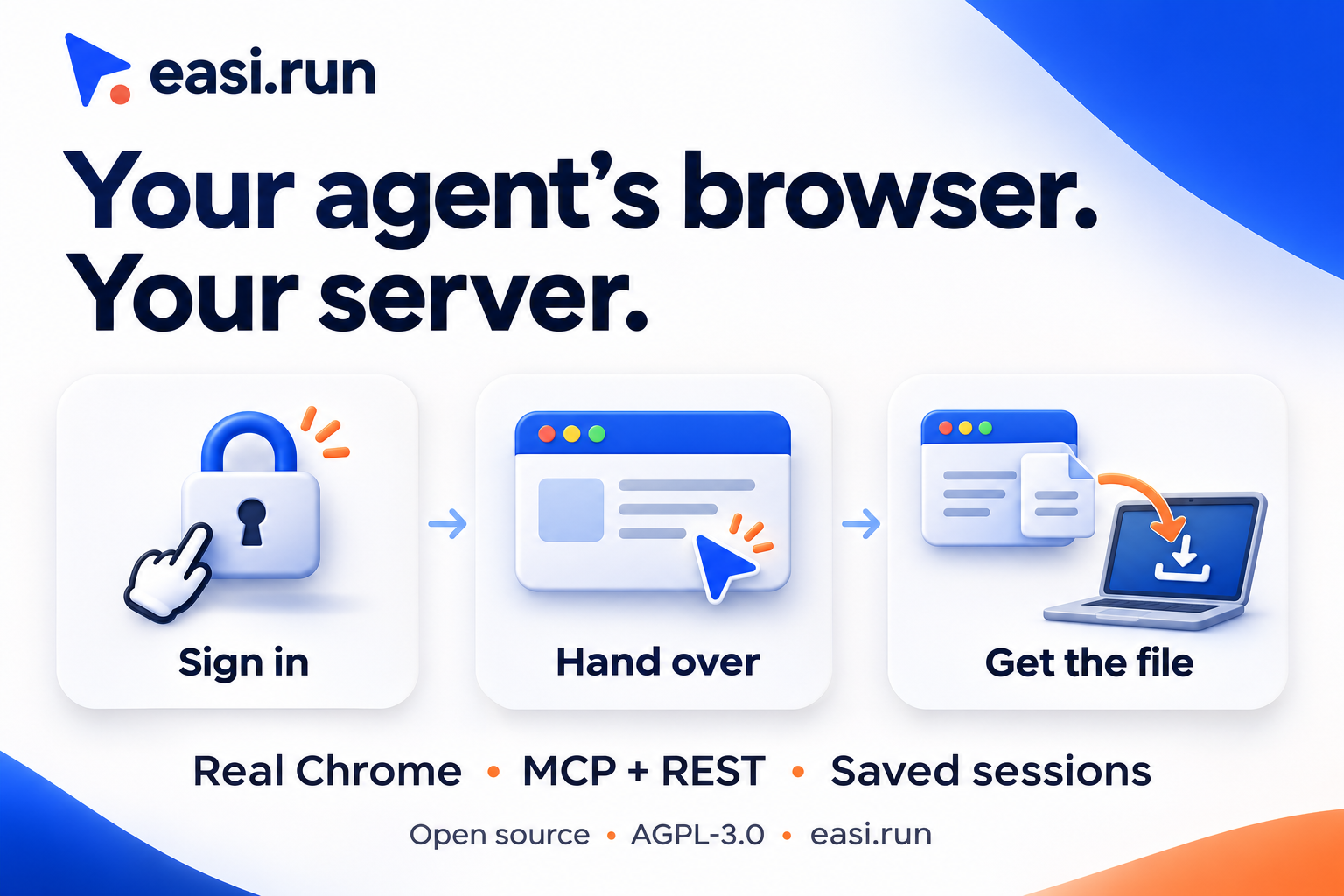
Real Chrome for your AI agents, on your own server. Step in for login and 2FA.
MCP serverDeveloper toolsSecurity13 viewslaunched Nov 8, 2026
Comments
0
Juliano GouveiaMaker
Where does your agent workflow need a human sign-in handoff, and what upload-to-download task would you try first?
About easi.run
Your agent reaches a login screen. Sign in and handle 2FA yourself, then hand control back so it can finish the task.
easi.run runs real Google Chrome sessions on your own Linux server. Connect Claude Code, Codex or another agent through MCP or REST. Watch sessions live, reuse encrypted saved browser profiles, upload input files and receive the result on your own device. Review the action timeline and replay recorded runs.
Open source under AGPL-3.0, with no hourly or per-session usage fees. You provide the server and your AI model.
Source and installation: https://github.com/julianosig/easi.run Docs: https://docs.easi.run Try the live demo: https://easi.run/demo
Gallery

Overview
Who is it for?
Developers and security-conscious users running coding agents
Problem
Agents need a real browser session to interact with websites securely and maintain logins with 2FA
Solution
Self-hosted Chrome driven by coding agents with secure vault-based login storage
What makes it unique
Real Google Chrome on your own server, with live human takeover for login and 2FA, encrypted saved profiles, and file transfers to your own device. Open source under AGPL-3.0 with no usage fees. Install using Docker Engine 28+ on Linux x86-64. Minimum: 2 cores and 4 GB RAM.
The maker
Maker · @julianoamg.dev
Details
Platforms
Tech stack
Related launches
- 1
 VideoDB MCP · Edit, clip, transcribe, search and visually analyse videos and live streams with Claude.
- 2
 Meridian · Host, bill and grow Shopify apps, and let Claude deploy, roll back and read logs through the Meridian MCP server.
- 3
StackQL MCP Server · The universal, self-discoverable control plane for any cloud or SaaS provider. Query and provision with SQL over MCP.
- 4
 MAQAMI Travel MCP Server · MCP server for hotels, flights, and live travel bookings
- 5
 slim.to · Share and track documents with real-time notifications and page analytics directly from Claude
- 6
 Gathern · Search and compare bookable chalets, apartments and resorts across Saudi Arabia, right inside Claude.