

Wordflux
Automate, create, and schedule content across social platforms and CMS systems via Claude.
MCP serverMarketing & SEOWriting & contentOther5 viewslaunched Nov 16, 2026
Comments
0About Wordflux
Wordflux is an AI-native content and social media automation platform built for publishers, founders, marketers, agencies, and growth teams managing one or multiple brands.
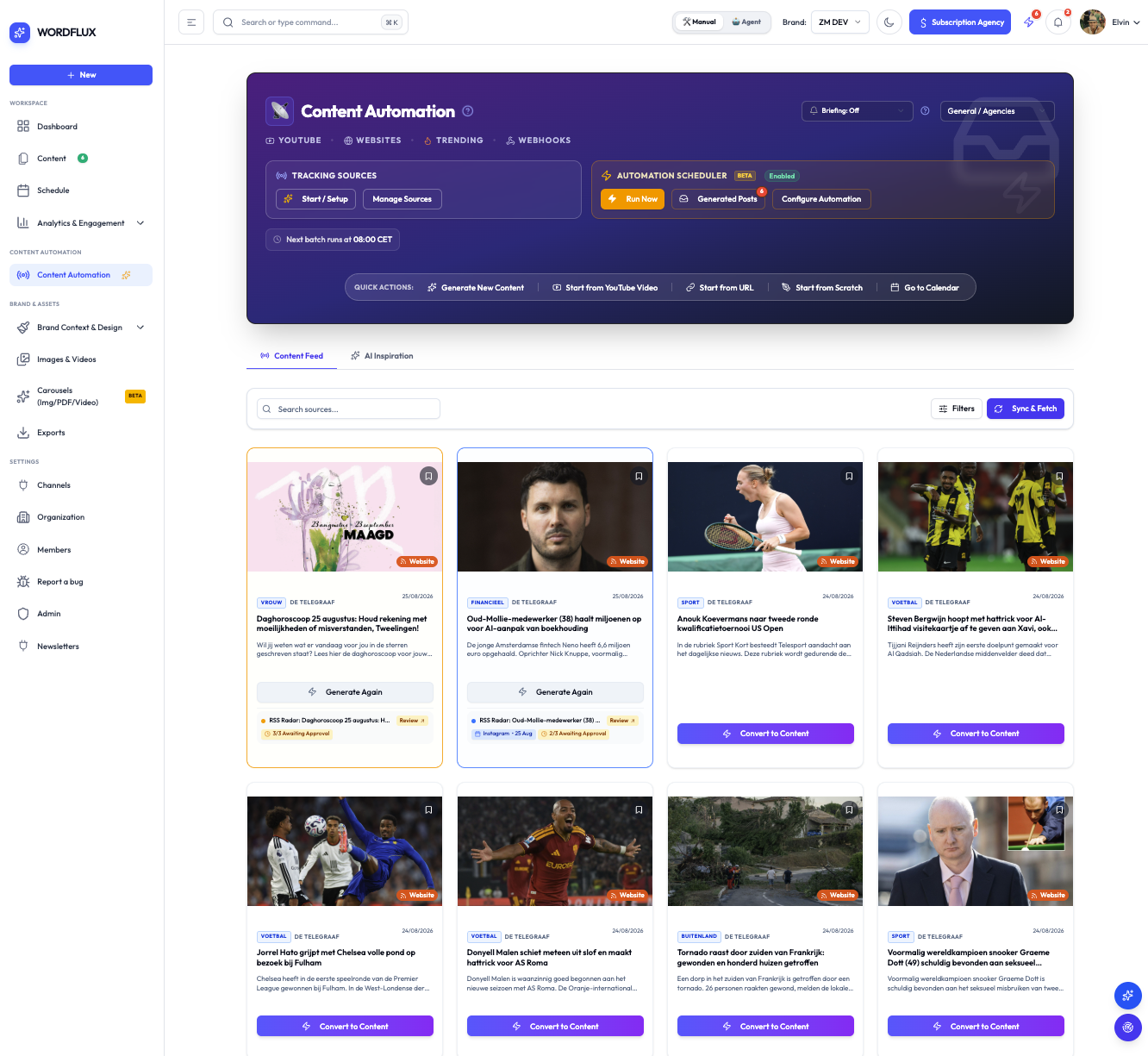
How it works with Claude: By connecting the Wordflux MCP server, Claude gets direct access to your entire Wordflux workspace, including your brand context, content pipelines, campaigns, media library, visuals, scheduling queues, automation workflows, and analytics. Instead of copying and pasting between tools, Claude becomes a direct publishing and automation engine for your social channels and CMS systems:
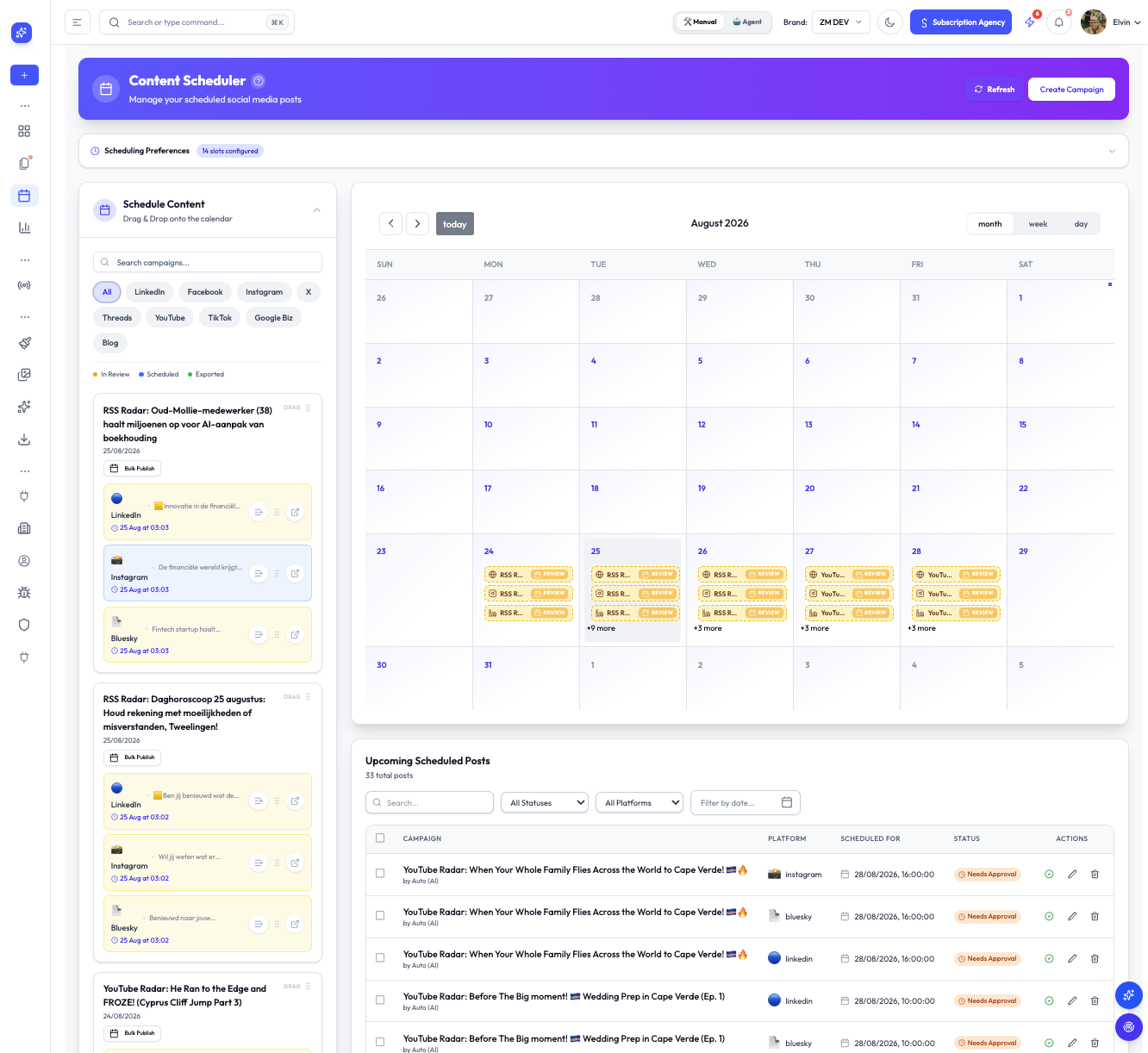
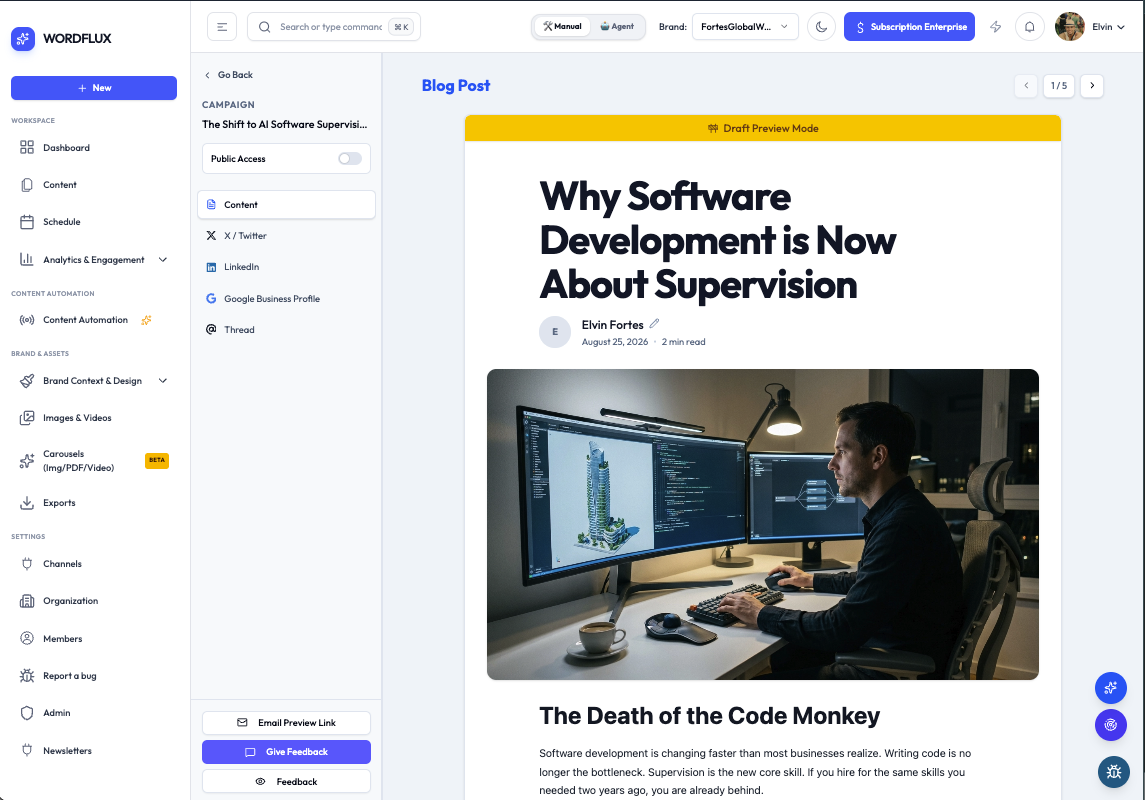
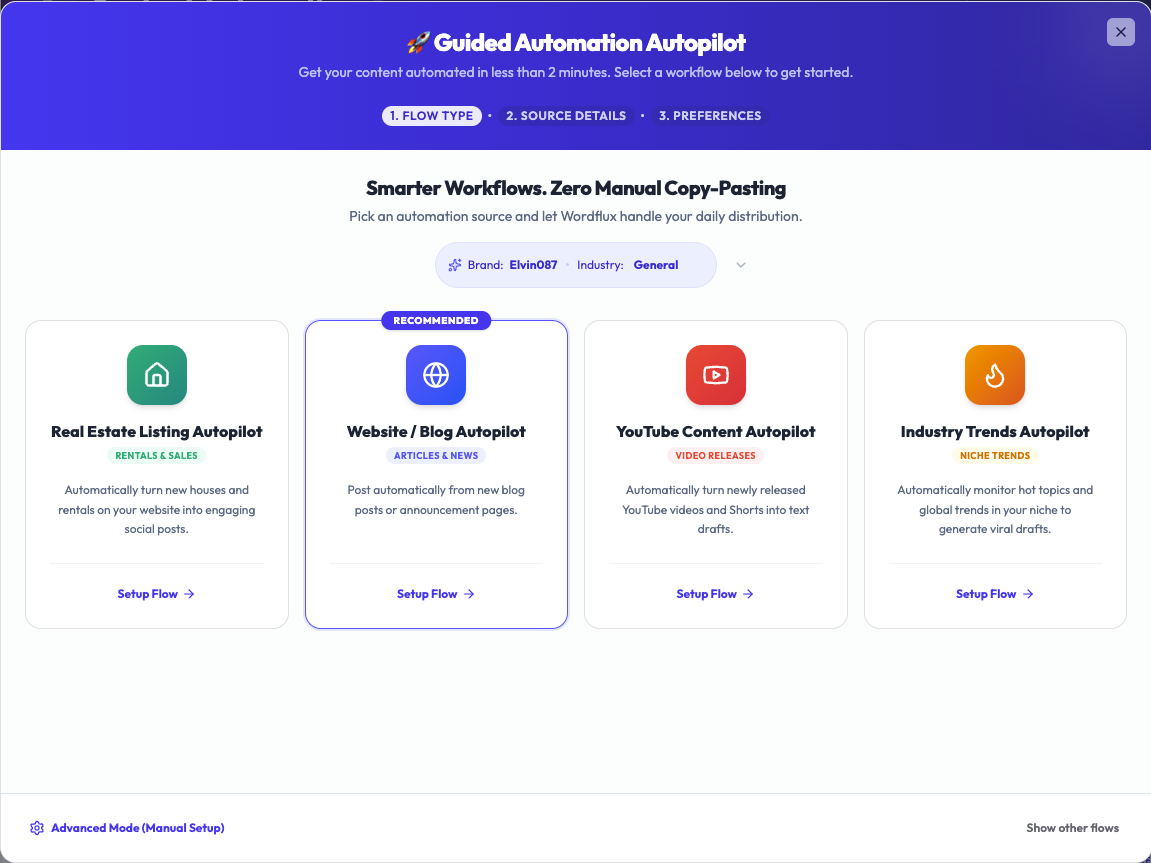
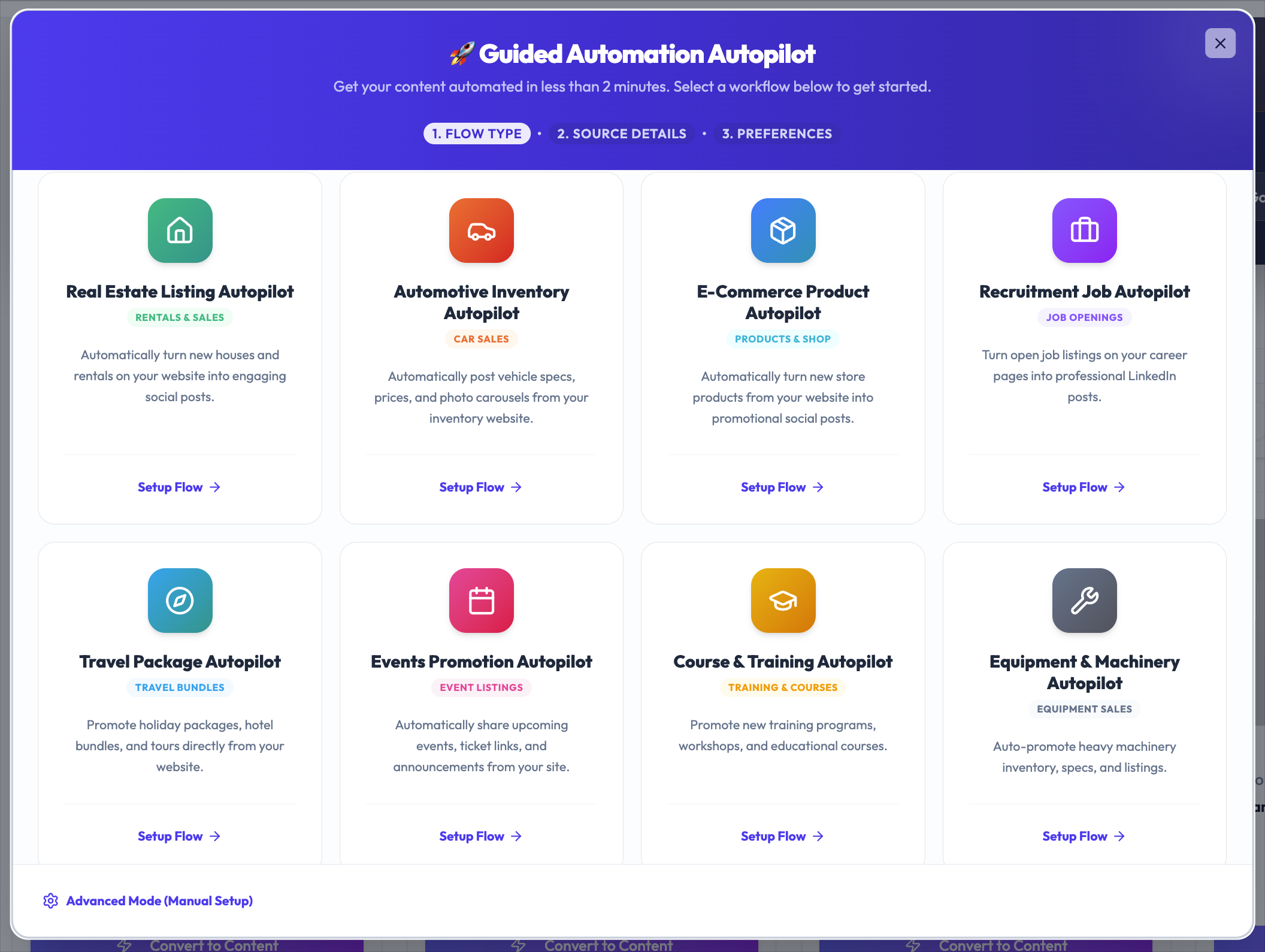
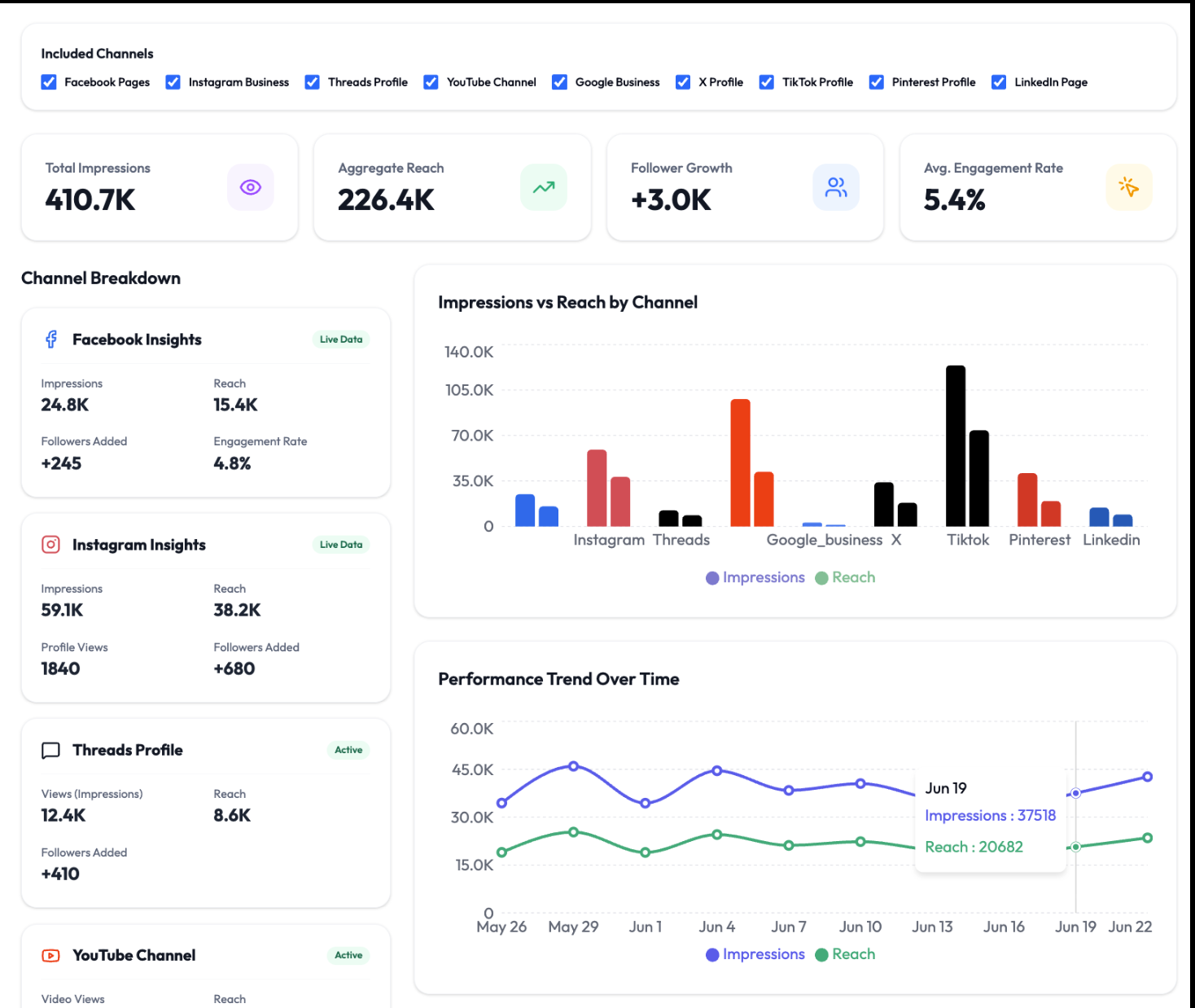
- Direct Publishing to Socials & CMS: Create, edit, approve, and publish or schedule content directly to connected social platforms and CMS integrations from a single conversation. - Site-to-Social & Content Automation: Turn website URLs, articles, and automated content feeds into platform-ready social posts and push them straight into your auto-scheduler. - Brand Context & Campaigns: Pull brand voice, positioning, and messaging guidelines so every post, article, and multi-post campaign stays on-brand. - Visuals & Carousels: Generate custom branded visuals and multi-slide carousels, or upload and manage media assets directly through Claude. - Scheduling, Outreach & Analytics: Manage upcoming queues, generate LinkedIn outreach, and review performance metrics without leaving Claude.
What to try first: 1. Connect and list your brands ("Check my Wordflux auth status and list my brands"). 2. Turn a site URL into social posts ("Take [your-url.com/article], adapt it for LinkedIn and X using [Brand Name]'s voice, and add it to the auto-scheduler"). 3. Create and publish directly ("Draft a carousel or CMS post about [topic] for [Brand Name], generate the visuals, and schedule it for tomorrow morning").
Gallery
The maker
Maker · @efortes
Details
Related launches
- 1
 VideoDB MCP · Edit, clip, transcribe, search and visually analyse videos and live streams with Claude.
- 2
 Meridian · Host, bill and grow Shopify apps, and let Claude deploy, roll back and read logs through the Meridian MCP server.
- 3
 MAQAMI Travel MCP Server · MCP server for hotels, flights, and live travel bookings
- 4
StackQL MCP Server · The universal, self-discoverable control plane for any cloud or SaaS provider. Query and provision with SQL over MCP.
- 5
 slim.to · Share and track documents with real-time notifications and page analytics directly from Claude
- 6
 Gathern · Search and compare bookable chalets, apartments and resorts across Saudi Arabia, right inside Claude.