
ScreenCraft
Mac app for 4K screen recording with auto-zoom, captions, and teleprompter
Web appProductivity2 viewslaunched Oct 3, 2026
Comments
0
Deepak KumarMaker
What features would improve ScreenCraft for your screen recording needs?
About ScreenCraft
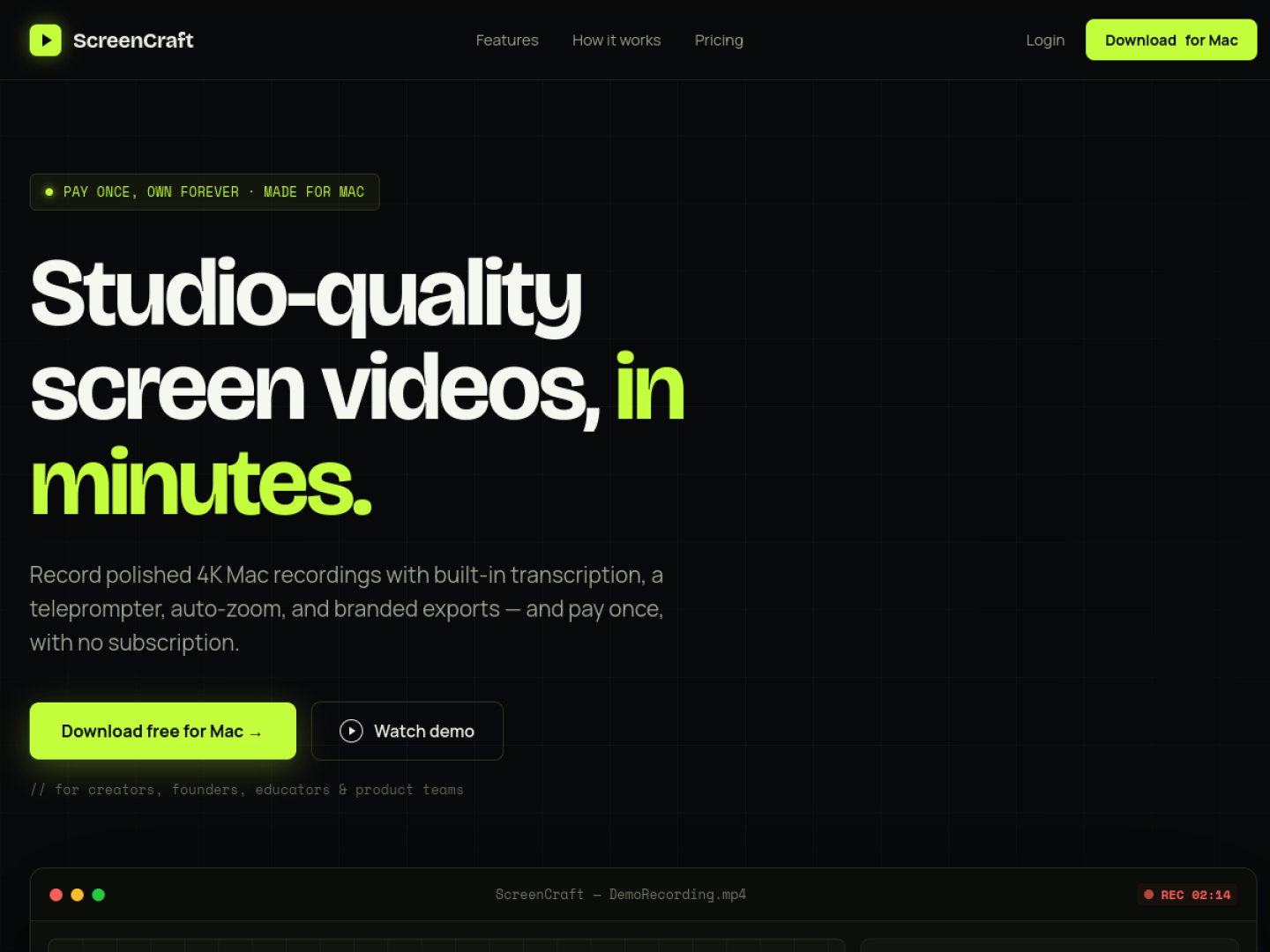
ScreenCraft is a native macOS app for creating studio-quality 4K screen recordings. It integrates recording, polishing, and exporting in one tool designed for demos, courses, and tutorials. You record screen, camera, mic, and system audio with a teleprompter for script reading.
The app auto-generates transcripts and captions with an offline engine, applies auto-zoom on clicks and smooths cursor movement for video polish. You can add logos and export in MP4 or GIF at 1080p, 2K, or 4K resolution without subscription fees. Updates come with a one-time purchase.
ScreenCraft also functions as an MCP server, enabling agents to record demos autonomously with cinematic auto-zoom and smooth cursor rendering. It works with Claude Code, Cursor, or any MCP client.
Gallery
Overview
Who is it for?
Creators, founders, educators, product teams, indie makers, sales, and support professionals using Mac.
Problem
Recording polished screen videos requires complex setups or expensive subscriptions with heavy editors.
Solution
ScreenCraft offers a fast, native Mac app combining recording, teleprompter, transcript, auto-zoom, and branding in one workflow with a one-time payment.
What makes it unique
Auto-zoom and cursor smoothing combined with offline transcription and teleprompter in a single native Mac app with no subscriptions.
The maker
Maker · @deepak
Details
Platforms
Tech stack
Related launches
- 1
 ToolJunction · Discover AI Tools, Startup Credits & Perks
 - 2
Crecerank · CreceRank es la herramienta GEO/AEO económica y en español para medir tu visibilidad en ChatGPT, Gemini y Perplexity
- 3
UK Taxi PHV Licensing · Evidence-linked UK taxi and private-hire licensing preflight for Claude and other MCP clients.