
Kane CLI by TestMu AI
FeaturedRun natural-language browser and mobile tests from your terminal or coding agent.
AgentDeveloper toolsDevOps & infraProductivity3 viewslaunched Oct 20, 2026
Comments
0About Kane CLI by TestMu AI
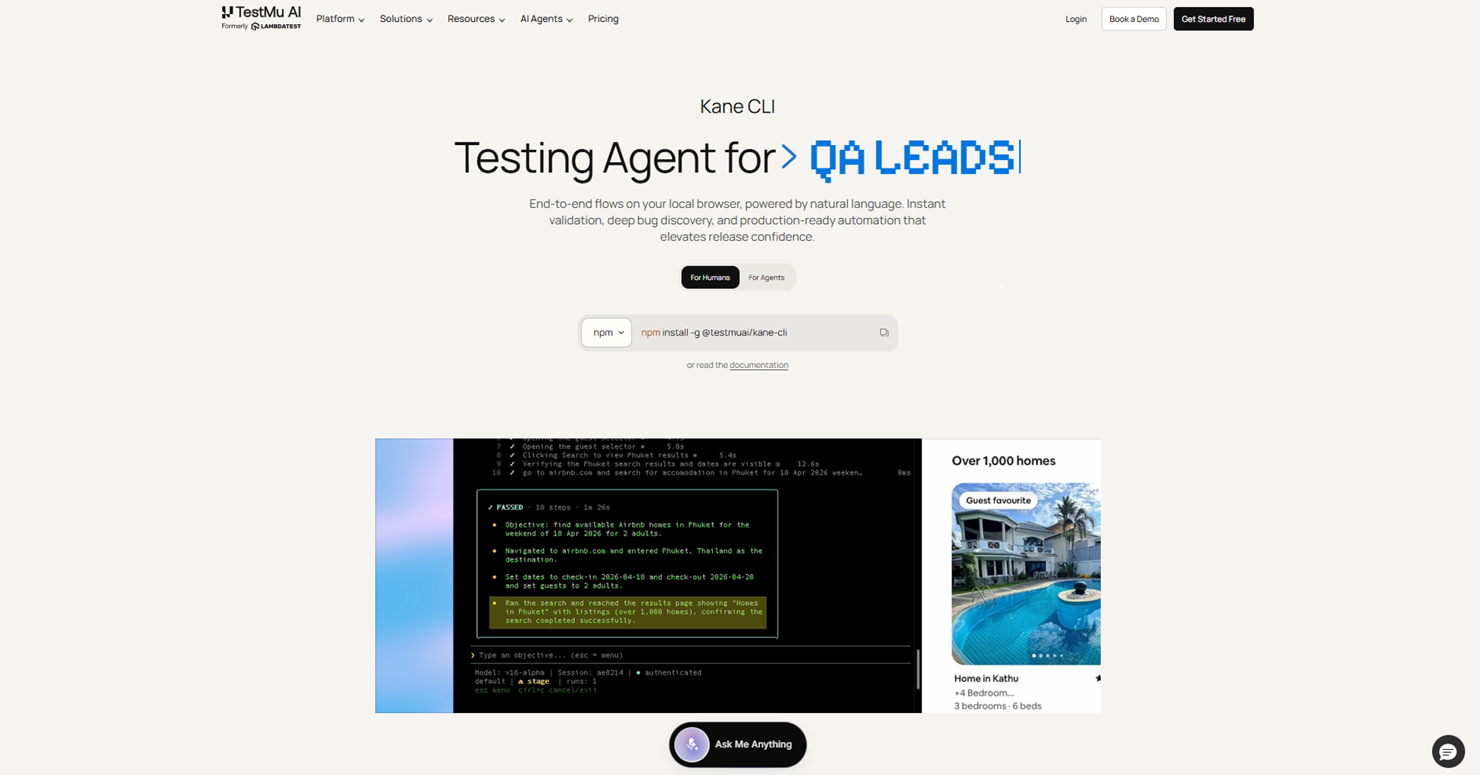
Kane CLI is TestMu AI's terminal-based testing tool for developers, QA engineers and AI coding agents. Describe a user journey and it drives a real Chrome browser to navigate, fill forms and check outcomes, without requiring a manually authored selector-based test script.
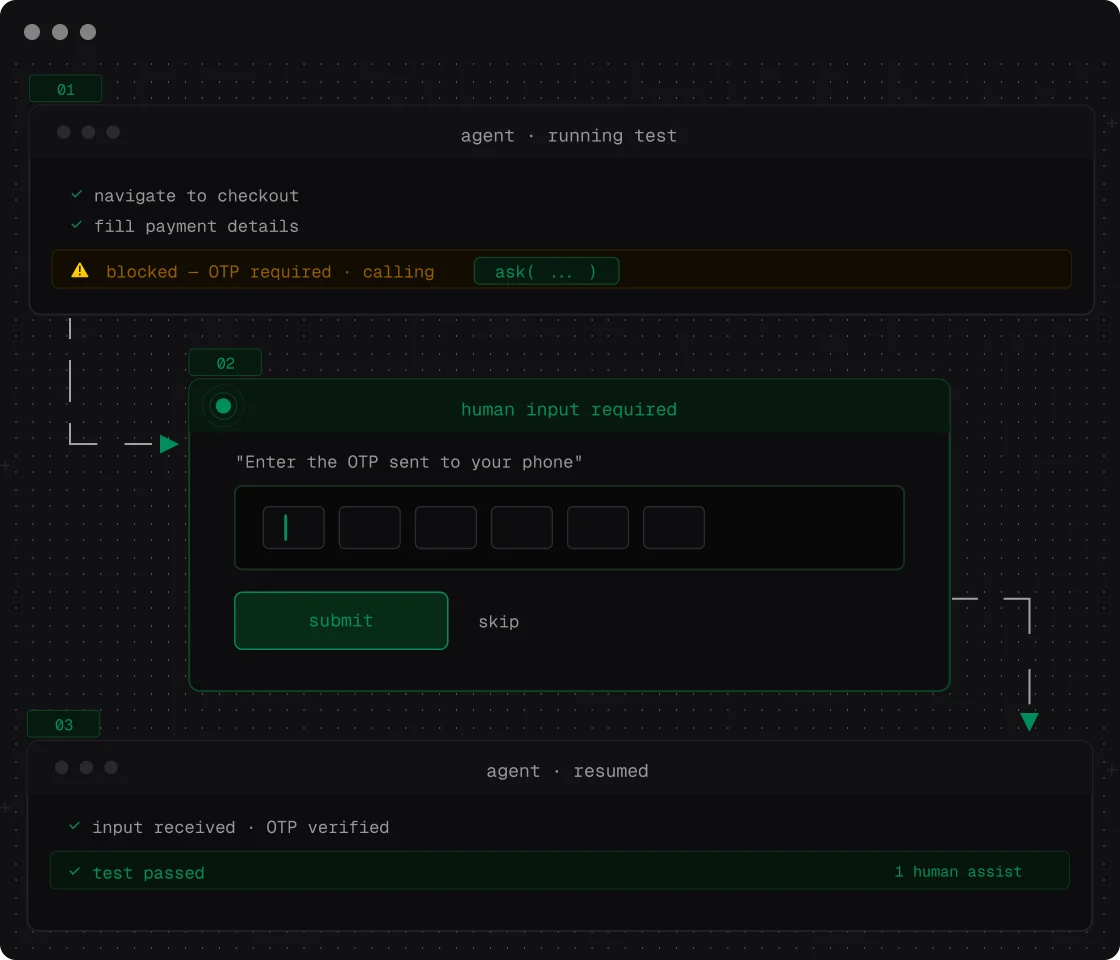
Run it interactively while developing, use headless mode in CI, or request structured output for an agent workflow. The official documentation supports invocation by Claude Code, Codex CLI and Gemini CLI. Results can sync to the KaneAI workspace for review, screenshots and session history.
Runs produce evidence that helps explain what happened, and supported flows can be exported to Playwright. Variables and authenticated browser profiles support repeatable checks across environments. Native mobile testing targets local iOS simulators or Android emulators; the documented mobile release requires macOS on Apple Silicon.
Start by installing the official @testmuai/kane-cli npm package, authenticate with a TestMu AI account and run a clearly scoped objective against your application. Use its documented agent mode and exit codes when integrating with CI. The CLI is a companion to KaneAI; review current TestMu AI account and execution limits before scaling usage.
Gallery
Overview
Who is it for?
Developers, QA engineers and teams using AI coding agents or CI pipelines.
Problem
Compiling code does not establish that real user journeys still work, and maintaining browser scripts takes time.
Solution
Execute natural-language objectives in a browser or supported mobile virtual device and inspect the resulting evidence.
What makes it unique
Offers interactive, headless and agent modes, with structured results and a shared KaneAI workspace.