

AUTOMATER.ai
Claude Code plugin and tray app: search every past AI session, see which agent is waiting on you, track usage across 9 providers
Claude Code pluginProductivity9 viewslaunched Nov 2, 2026
Comments
0
Russell WinslowMaker
How could Automater Lite better help you manage multiple AI agent sessions?
About AUTOMATER.ai
AUTOMATER.ai connects Claude to your AI work history.
The automater plugin for Claude Code (claude plugin marketplace add automater-ai/plugins) adds: - The Automater MCP server (https://mcp.automater.ai/mcp): read-only access to your Automater account and plan, Automater skills, knowledge base search and scheduled tasks. - The recall skill, which searches your past AI sessions on this computer through Automater Lite's local MCP server before Claude re-derives something you already solved.
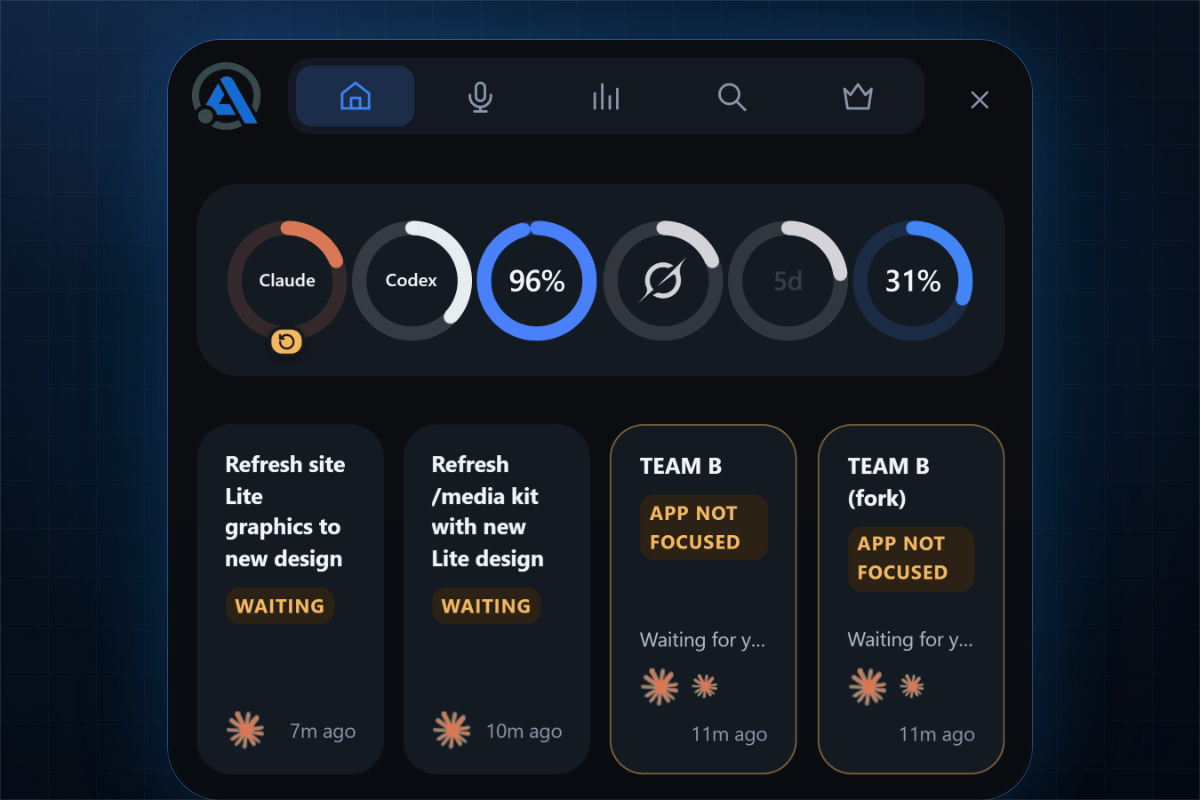
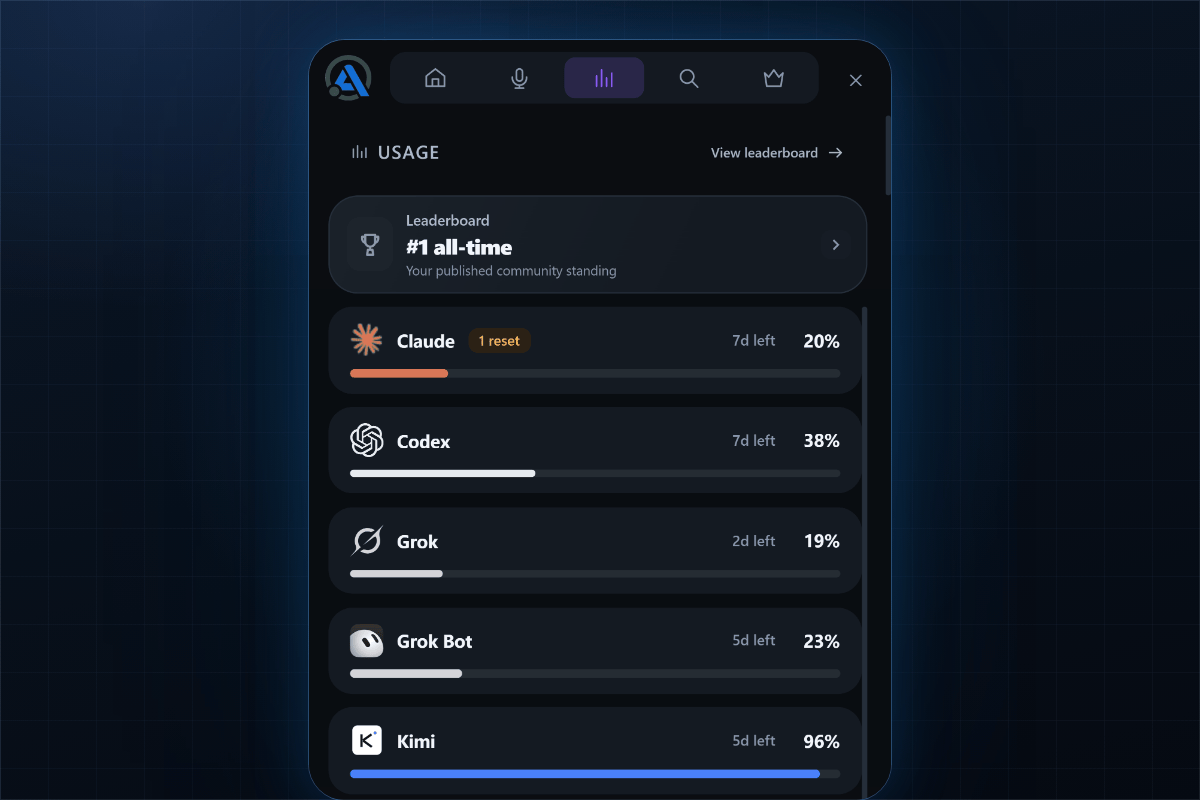
Automater Lite is the free tray app behind it. It knows where 41 AI apps and CLIs (Claude Code, Codex, Cursor, Antigravity and more) write their transcripts, 45 formats in all, and indexes them into one searchable library on your machine. It flags the agent that is waiting on you and shows usage across 9 providers in one meter.
Lite is free for Windows, macOS (Apple silicon) and Linux, with no account needed. PRO is $15/year. The same MCP URL also works as a custom connector in Claude.ai and Claude Desktop.
Gallery

Overview
Who is it for?
AI users managing multiple CLI and desktop apps
Problem
Hard to track sessions, agent statuses, and usage across multiple AI tools
Solution
One tray panel to view sessions, flag waiting agents, and monitor usage across providers
What makes it unique
Consolidates all AI CLI and desktop app sessions on your machine into one searchable and accessible panel with usage metrics
The maker
Maker · @russ
Details
Platforms
Tech stack
Related launches
- 1
 Zami · AI-powered social analytics and creator discovery for teams
- 2
 dexmond-atlas · Secure AI automation and encryption solutions for enterprises
- 3
 AWSEL · Connect Claude & ChatGPT to Qoyod, Daftra & Wafeq — send an invoice photo in chat, get a reviewable draft in your books.
- 4
 Koppar · AI PCB design from plain English to fab-ready boards
- 5
 PostBrio · Create, schedule, and analyze AI-powered social media campaigns and video ads
- 6
MCP Toolbelt · 29 pay-per-call DNS, SEO, SSL, security, and dev tools for AI agents